

Schedule Your Consultation
Tell us about your platform, users, and business goals.



Our multi-level user interfaces are designed to empower every role, enforce security, and streamline
workflows.
Here's what makes our solutions stand out:

Precisely define what each user can see and do. From high-level administrators with system-wide access to staff who only need specific tools, RBAC ensures that every role's interface is focused, secure, and free from unnecessary clutter.
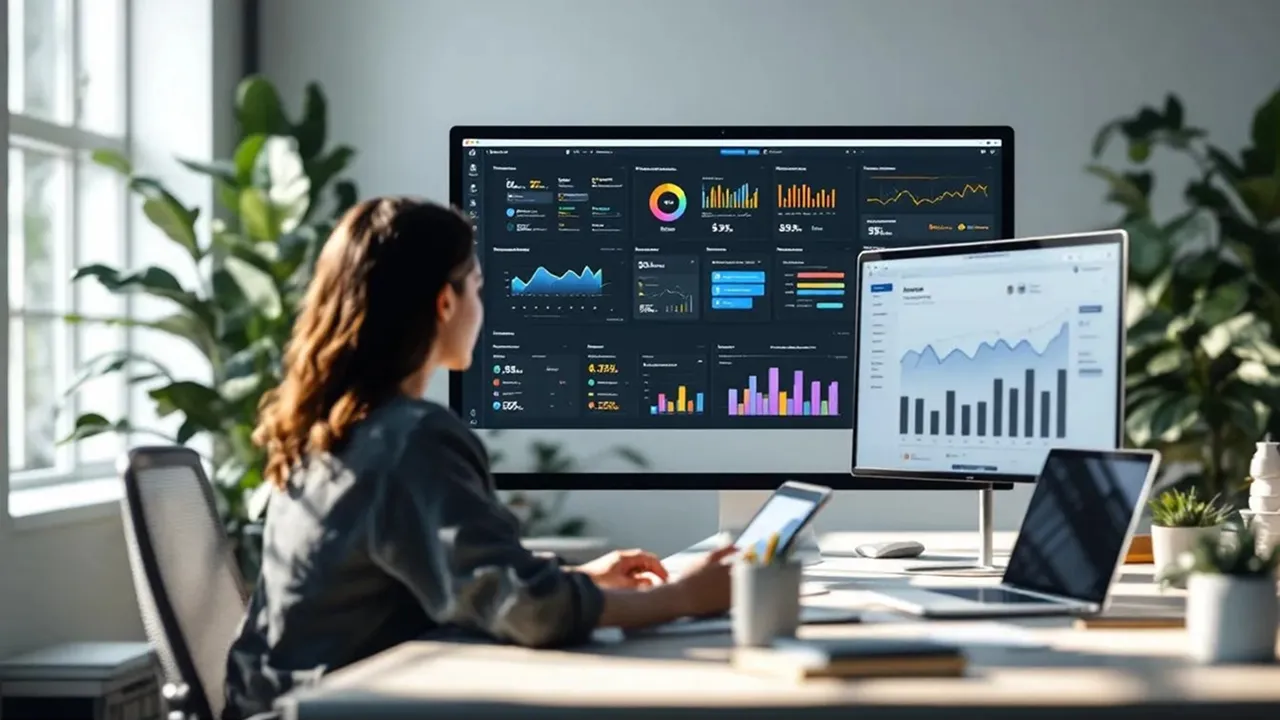
Super-admins get full control over the platform through centralized dashboards. This includes managing user accounts, assigning roles, adjusting permissions, configuring settings, and monitoring overall system health — all from a single, intuitive interface.
Managers gain real-time performance insights with dashboards tailored to leadership needs. View KPIs, track team productivity, review historical trends, and generate reports; enabling data-driven decision-making without drowning in irrelevant details.
Staff-level interfaces are built for speed and simplicity. Users see only the tasks, notifications, and quick-action buttons they need to perform their jobs efficiently, helping them stay focused and productive throughout the day.
We integrate enterprise-grade security features, including Single Sign-On (SSO) and compatibility with leading identity providers (Okta, Azure AD, Google Workspace, etc.). This simplifies logins while maintaining strong access controls across the platform.
Every action taken in the system is logged; from data changes to user logins, creating a full accountability trail for compliance, security audits, and operational transparency.
Whether on a desktop, tablet, or smartphone, each role’s interface is optimized for usability. Responsive layouts ensure a seamless experience across devices, keeping your team connected and effective anywhere.
As your organization grows, so does your platform. Our scalable permissions framework allows you to easily add new roles, adjust access levels, or expand functionality without disrupting your existing workflows.
We can connect your multi-user platform to:

Sync role-specific data directly into user dashboards.

Enable secure, role-specific file access.

Deliver custom insights to managers and executives.

Assign and track tasks right from within the interface.

Provide managers and admins with up-to-date personnel data
We design your multi-level interface to reflect real-world workflows; from an admin adding a new
department,
to a manager approving budgets, to a staff member updating a task.
This means every click, menu, and view is optimized for that specific role’s responsibilities and
priorities.


Many systems make a trade-off between tight security and easy usability. Our approach delivers both.
We use granular permissions, encrypted connections, and advanced authentication; but wrap them in
intuitive,
clutter-free interfaces so users can work faster without ever bypassing security protocols.
